
Ralfy, LinkedIn Tool for Content Creators
Founder & Design Engineer · 2025 to now
“Built for content creators. Custom feed, AI comments, reply manager.”
- 01
Built for content creators on LinkedIn, not for SDRs running cold outreach.
- 02
Two surfaces, one workflow. Web app for back office, Chrome extension live on linkedin.com.
- 03
Zero auto post. AI drafts every comment, you submit every reply.
Ralfy is a LinkedIn tool for content creators. Two surfaces, one workflow. The web app is your back office. The Chrome extension lives on linkedin.com so you never have to switch tabs. Both share the same intents, comment history, and prompt guardrail. Three core jobs: a custom feed of people you choose, AI assisted comments in your voice, and a reply manager for your own posts. Built solo as a 6 package monorepo with React + Vite, Express + Supabase, and dual model AI (OpenAI on Free, Anthropic Claude on Pro).
Context
A content creator's day on LinkedIn has three jobs. First, keep a real feed of people worth following. The native LinkedIn feed is built for the algorithm, not for your network. Second, write thoughtful comments on other creators' posts so you build relationships and visibility. Third, reply to traction on your own posts without losing a full afternoon every time a post hits. Most LinkedIn tools pick one of these jobs. Ralfy is built around all three.
Approach
Two surfaces, one workflow. The web app is the back office. You add people to a feed by pasting their LinkedIn URL, manage replies on your own posts, browse comment history, edit intents, and check analytics. The Chrome extension lives on linkedin.com so you can act in the moment. It adds an AI Comment Generator next to the comment box, an intent picker, and a Feed Manager button on profiles. Before AI generates anything, you pick an intent (3 defaults plus your own custom ones) and a length. The prompt has a quality guardrail so output sounds like a creator wrote it, not a bot. Generated text always lands as a draft inside LinkedIn. You hit submit, not Ralfy. Stack: React 19 + Vite for the dashboard, Express + Supabase for the backend, a TypeScript LinkedIn client that replaced an earlier Python service, OpenAI on Free, and Anthropic Claude Haiku 4.5 on Pro. Backend on Railway. Marketing site on Next.js 14 and Vercel, in waitlist mode while Creem.io payments are wired up. Built with Cursor and Claude Code.
How I worked
- 01 · Discover
Talked to creators about their LinkedIn day. Three jobs surfaced. Custom feed, thoughtful comments, reply management when traction lands.
- 02 · Sketch
Two surfaces decided early. Back office in a web app, real time work inside an extension on linkedin.com.
- 03 · Prototype
Web app first. React 19, Vite, Supabase. Then the extension wrapped around the same backend with a TypeScript LinkedIn client.
- 04 · Ship
Live at ralfy.app in waitlist mode. Creem.io payments wiring up. Dual model AI on Free and Pro.
- 05 · Iterate
March 2026 LinkedIn obfuscation broke selectors. RSC selector recovery added in the same week.

What I shipped
Brand, web app UX, extension UI, marketing site, design system
Custom feed, reply manager, comment history, intent CRUD, analytics, admin config (React 19 + Vite + shadcn/ui + Zustand)
AI Comment Generator + Intent Picker inline on LinkedIn, Feed Manager button, cookie sync, anti detection
Next.js 14 on Vercel, waitlist mode while Creem.io payments wire up
Express + Supabase, TypeScript LinkedIn client replacing the original Python service
Dual model (OpenAI Free, Anthropic Pro), custom intents, free text override, content quality guardrail, separate prompt for reply manager
Cursor + Claude Code as the engineering multiplier across a 6 package monorepo. Architect and editor, not author.
6 detection layers + declarativeNetRequest rules + RSC selector recovery (March 2026 LinkedIn obfuscation)
Playwright E2E, Inbucket SMTP for email auth flows, unit + API tests, GitHub Actions smoke tests on every push
Taplio dataset (~2.78M posts, ~78K profiles), 11 Slack notifications across 7 channels, 6 cron jobs
84 dynamic config keys editable from /admin/system-config without redeploy
Idea → design → engineering → deploy → support, single operator across the entire monorepo
Key decisions
Built for creators, not for funnels
Most LinkedIn AI tools target SDRs and growth marketers who want 500 cold outreach comments a day at any quality. Ralfy excludes that customer on purpose. The audience is content creators. People who post on their own, build a real network, and need engagement to sound like them, not like a script. Pricing tiers (Free 10 a day, Pro 50 a day), no bulk comment features, and a reply manager that only matters once you have inbound traction. Each choice enforces the audience.Two surfaces, one workflow
The web app is the back office. Custom feed, reply manager for your own posts, comment history, intents, settings, analytics. The Chrome extension is the live surface on linkedin.com. AI Comment Generator above the comment box, intent picker, Feed Manager button. Same prompt across both, different UI for different jobs. The extension itself never calls LinkedIn. It just provides UI and syncs auth cookies to the backend.Reply manager, traction without burnout
When a post hits and a hundred comments land, replying turns into a job that eats a full afternoon. Most LinkedIn tools ignore this entirely. Ralfy makes it a first class feature. My Posts shows every post that needs replies. It generates AI drafts in your voice for each comment, and lets you Approve, Edit, Regenerate, or Dismiss per draft. You keep the final word on every reply. The 200 a month cap is calibrated to respect LinkedIn's own engagement signals.Zero auto post, on purpose
Generated text lands in LinkedIn's own UI as a draft, never auto submitted. True for both comments on other people's posts and replies on your own. The submit button stays LinkedIn's, not Ralfy's. LinkedIn's March 2026 Depth Score penalizes generic AI comments at scale, so the constraint is also a positioning bet.Architect, not author
Design, web app, extension, marketing site, backend, AI, anti detection, Playwright E2E and SMTP testing, deploy, support. One person across a 6 package monorepo, with Cursor and Claude Code as the engineering multiplier. The work is not 'I let AI write everything.' It's editing fast, throwing out 80% of what comes back, and keeping a tight quality bar across every surface.Auto posts. The submit button stays LinkedIn's, never Ralfy's. Even on the reply manager with a 200 a month cap.
How it fits together
Chrome extension
Lives on linkedin.com. AI Comment Generator above the comment box, intent picker, Feed Manager button. A background worker syncs auth cookies to the backend. The extension never calls LinkedIn directly.Web app (React + Vite)
Back office workflow. Custom feed, reply manager for your own posts, comment history, intent editor, settings, analytics, admin config. Uses Zustand and shadcn/ui.Backend (Express)
Handles auth, AI orchestration, intent and reply queues, feed ingestion. Talks to LinkedIn via a TypeScript client (with optional IPRoyal proxy) that replaced an earlier Python service.Supabase
Postgres and auth. Stores user data, intents, feeds, sessions, reply queue, and 84 dynamic admin config keys.AI providers
OpenAI on Free (10 a day) or Anthropic Claude Haiku 4.5 on Pro (50 a day). Same prompt for both comments and replies, with a quality guardrail to keep output sounding human.Inside the product
Feeds and curation
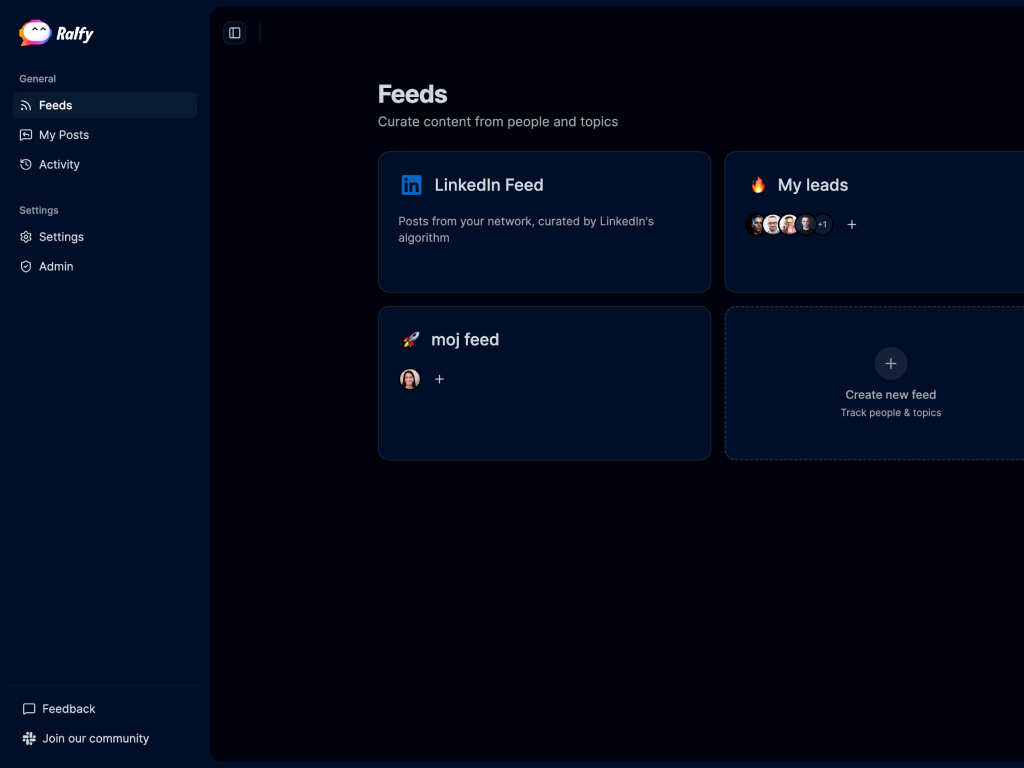
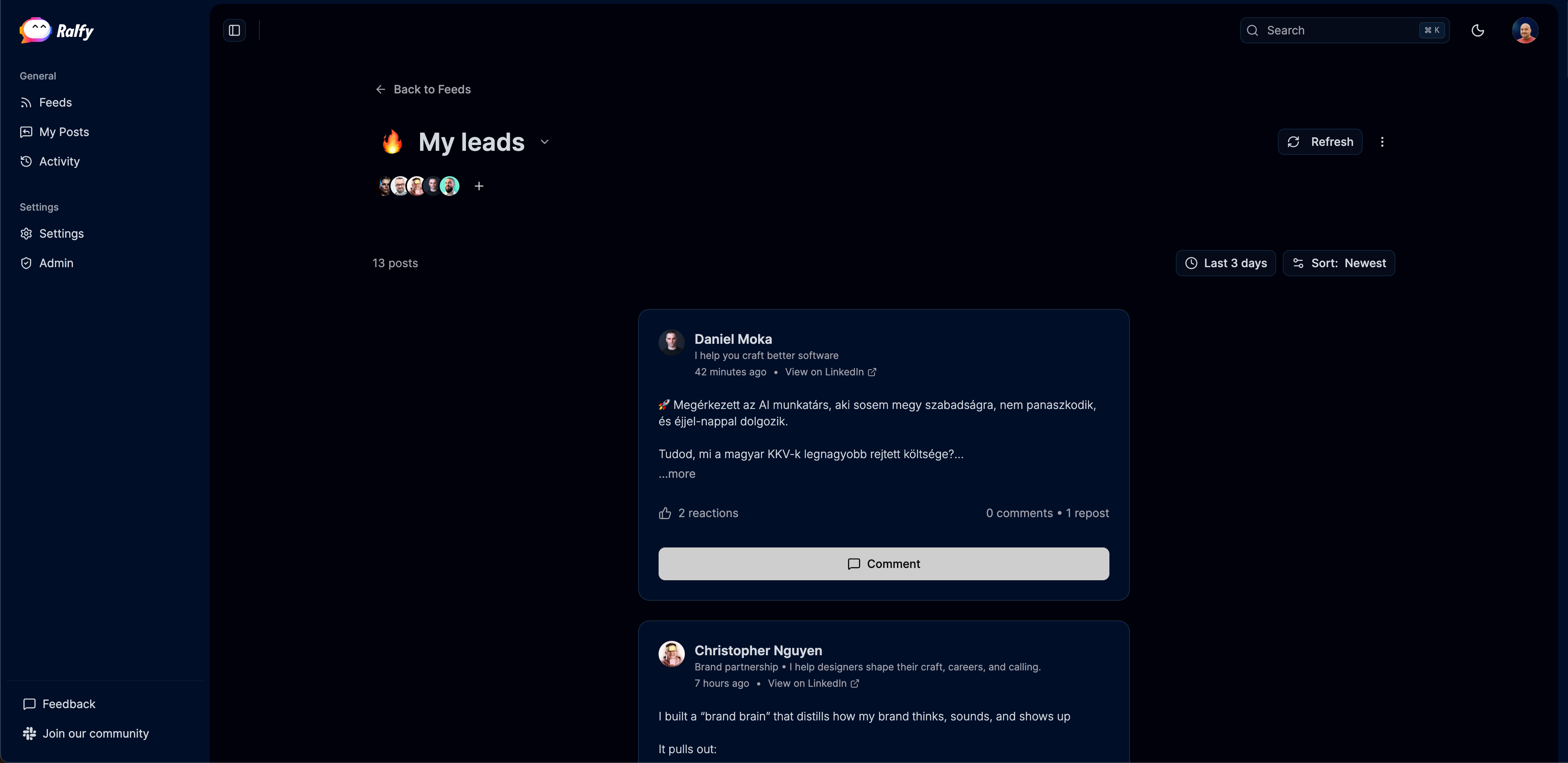
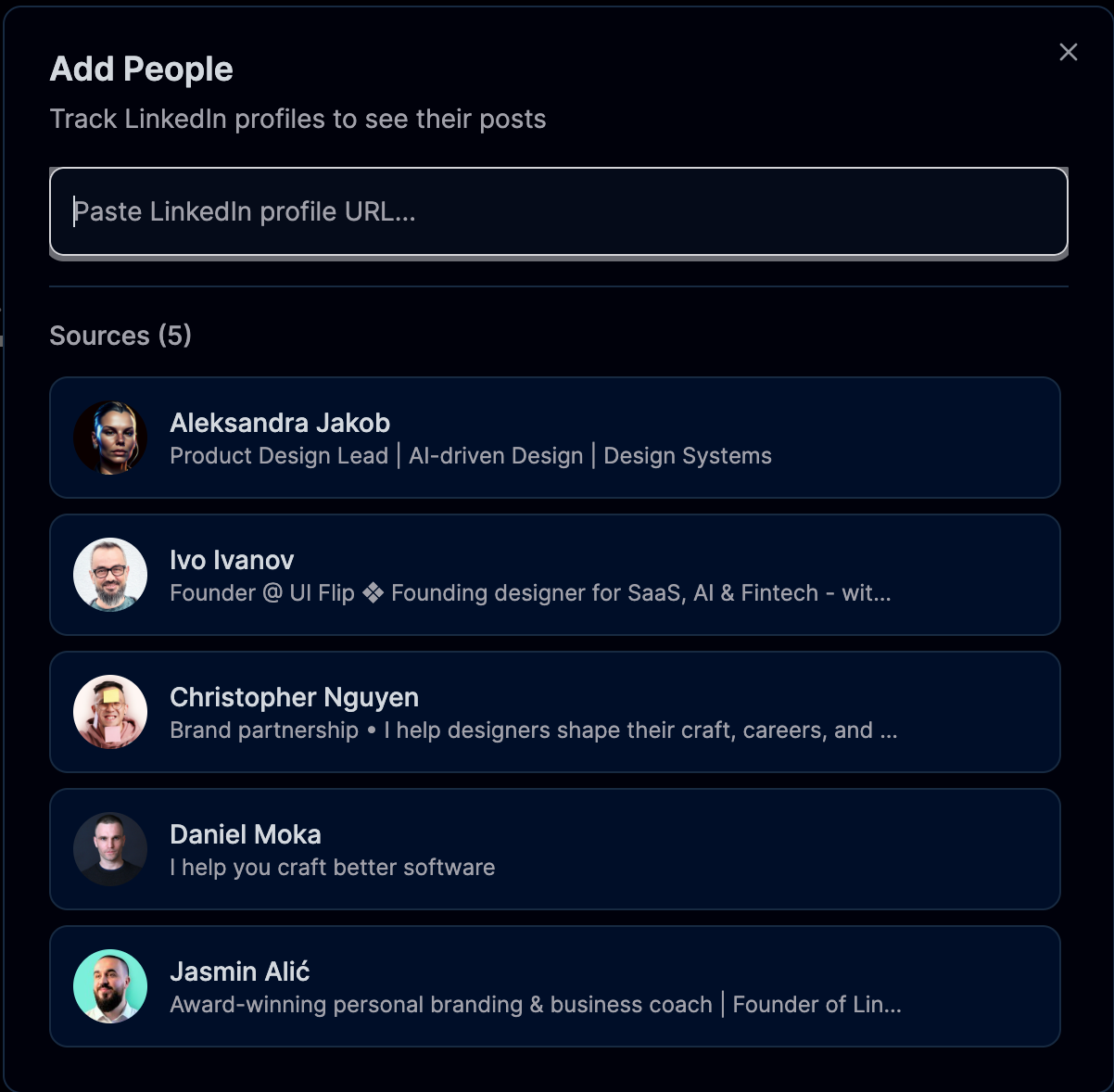
Ralfy treats the feed as a list of people, not keywords. To add someone to a custom feed, you paste their LinkedIn URL. Each custom feed sits alongside a generic LinkedIn feed view. The curated ones are the daily driver.
Reading posts in your feed
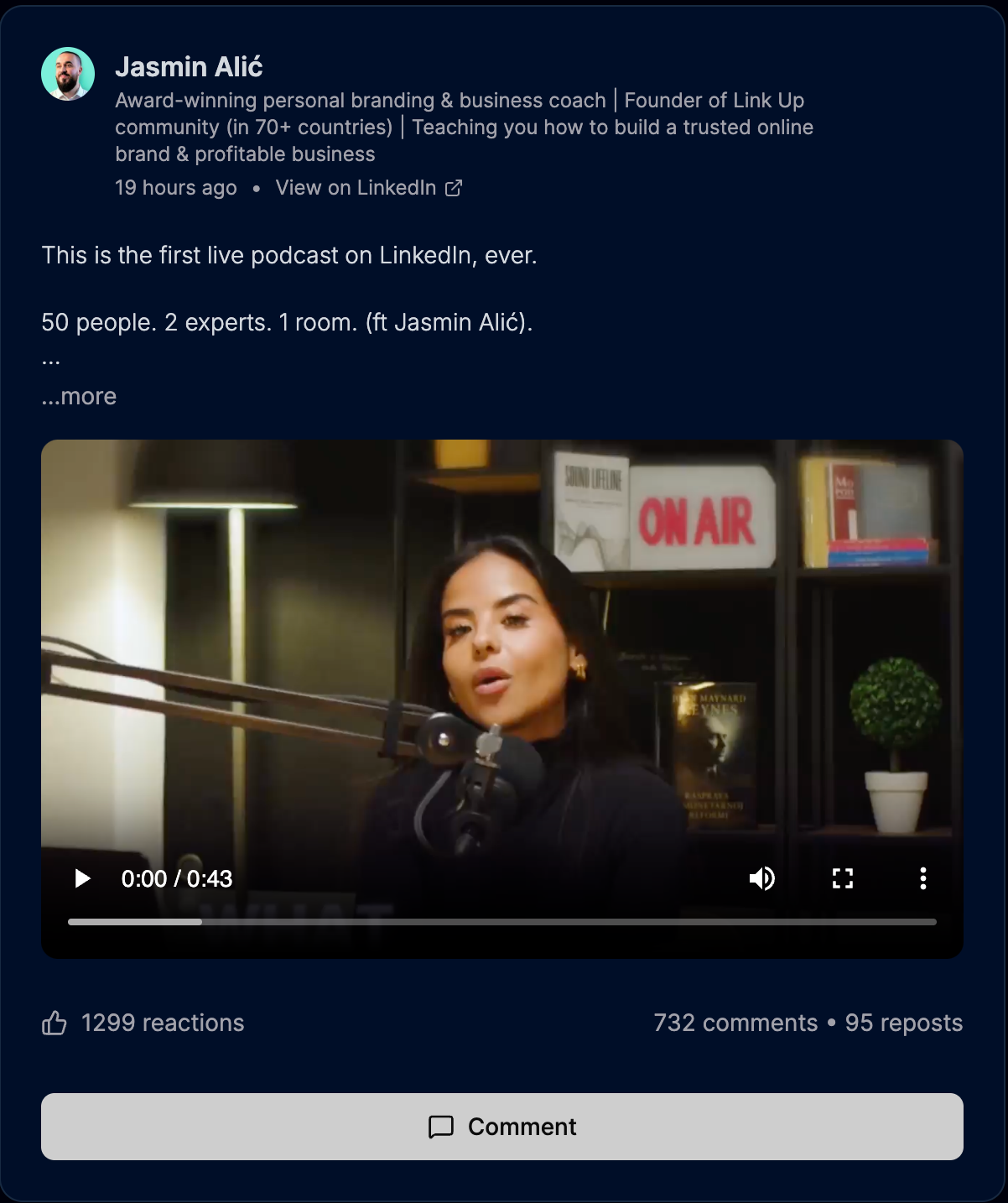
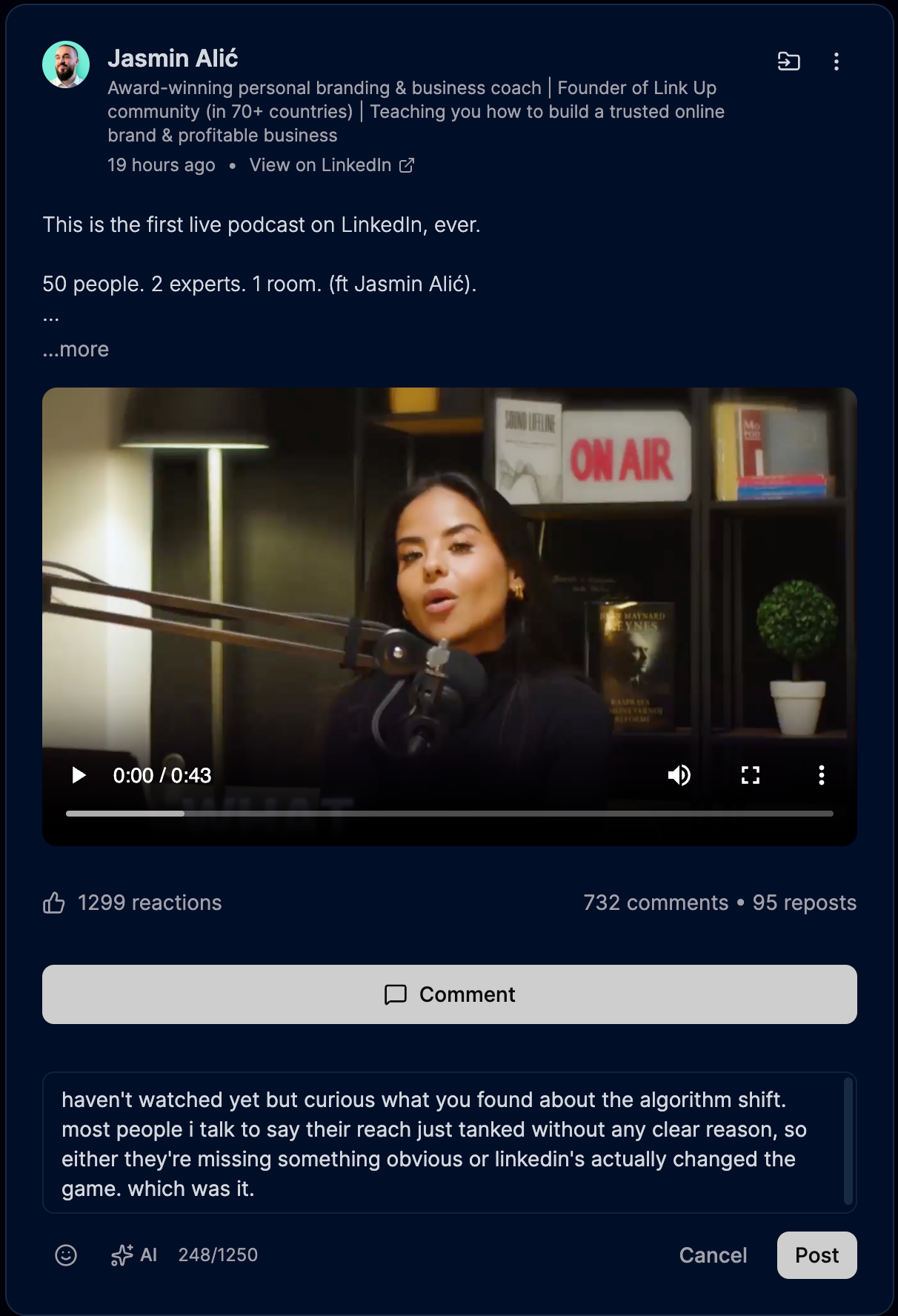
Posts render in a focused view. Full text, native video, engagement counts, and a comment input that lives in the web app so you never switch tabs back to LinkedIn just to comment.
AI commenting components
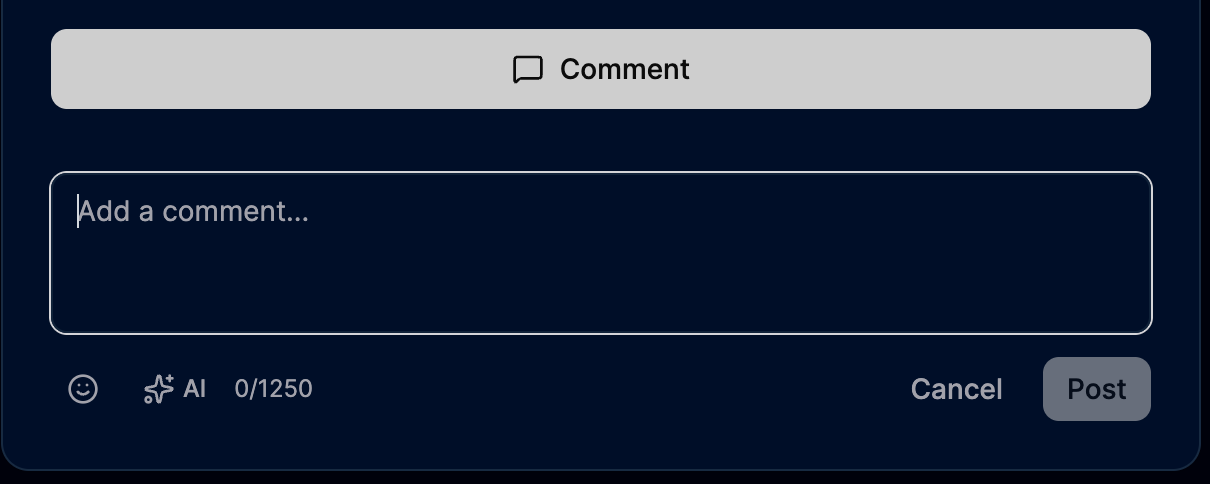
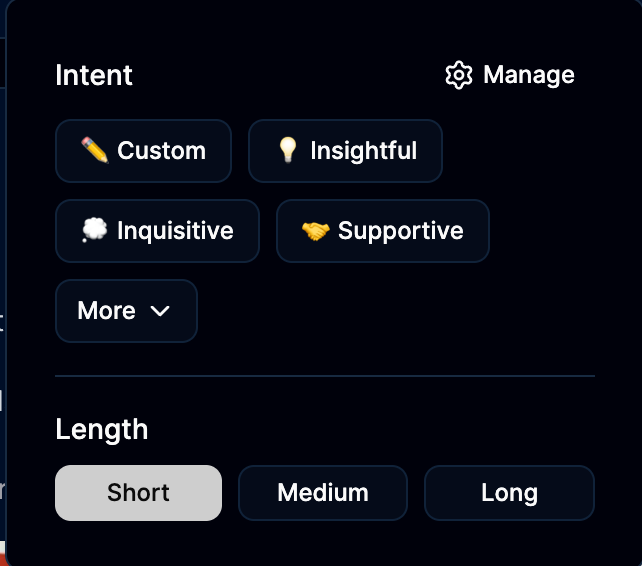
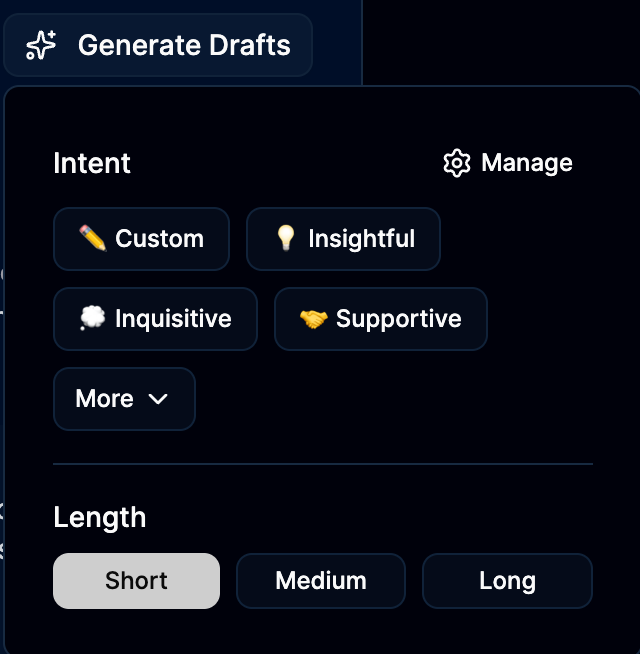
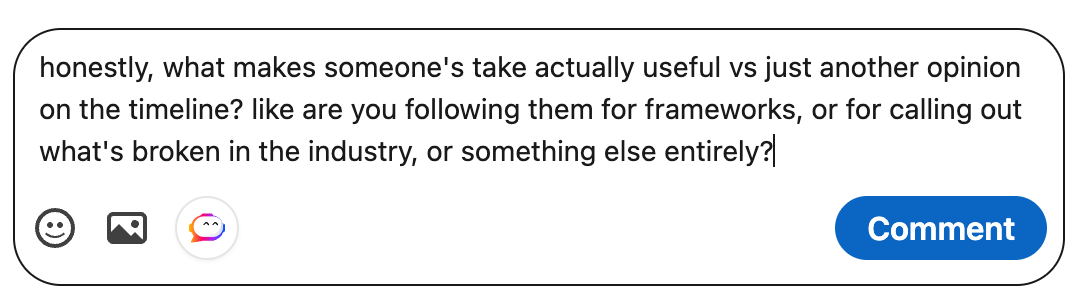
Before AI generates anything, you pick an intent (3 defaults plus your own custom ones) and a length. The AI sparkle in the comment input is the trigger. The dropdown is where you make the choice.
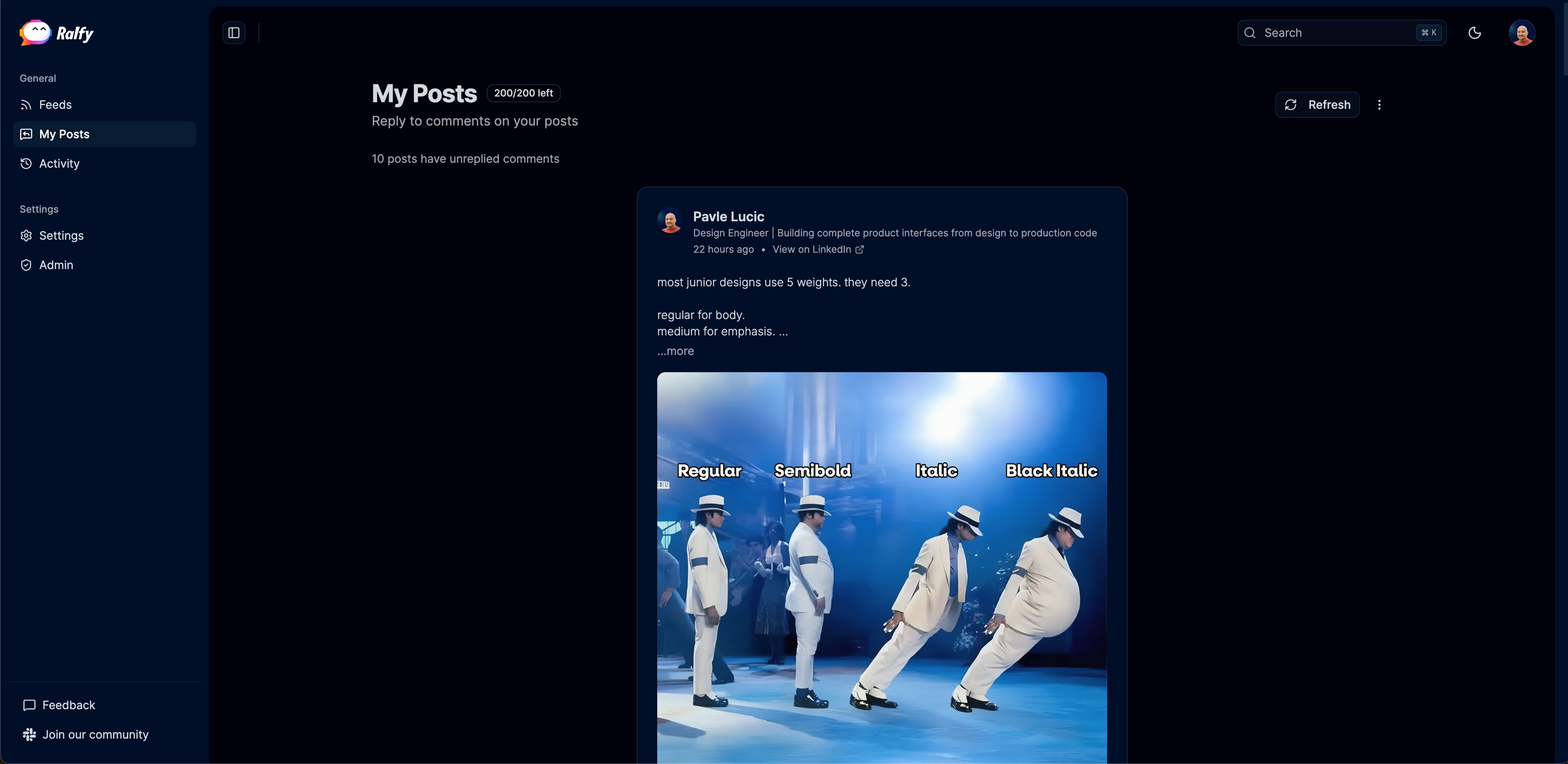
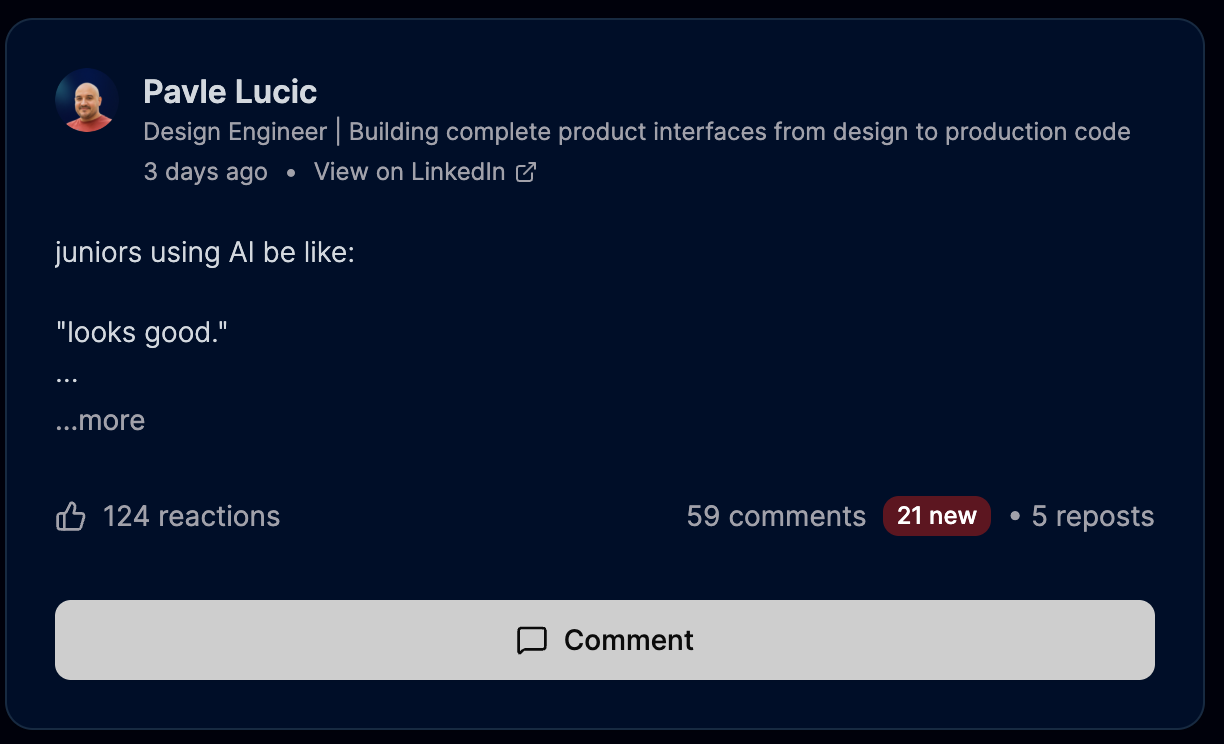
Reply management, the landing
My Posts is the back office for replies. Each post shows how many new comments need a reply. The 200 a month cap is calibrated to respect LinkedIn's Depth Score.
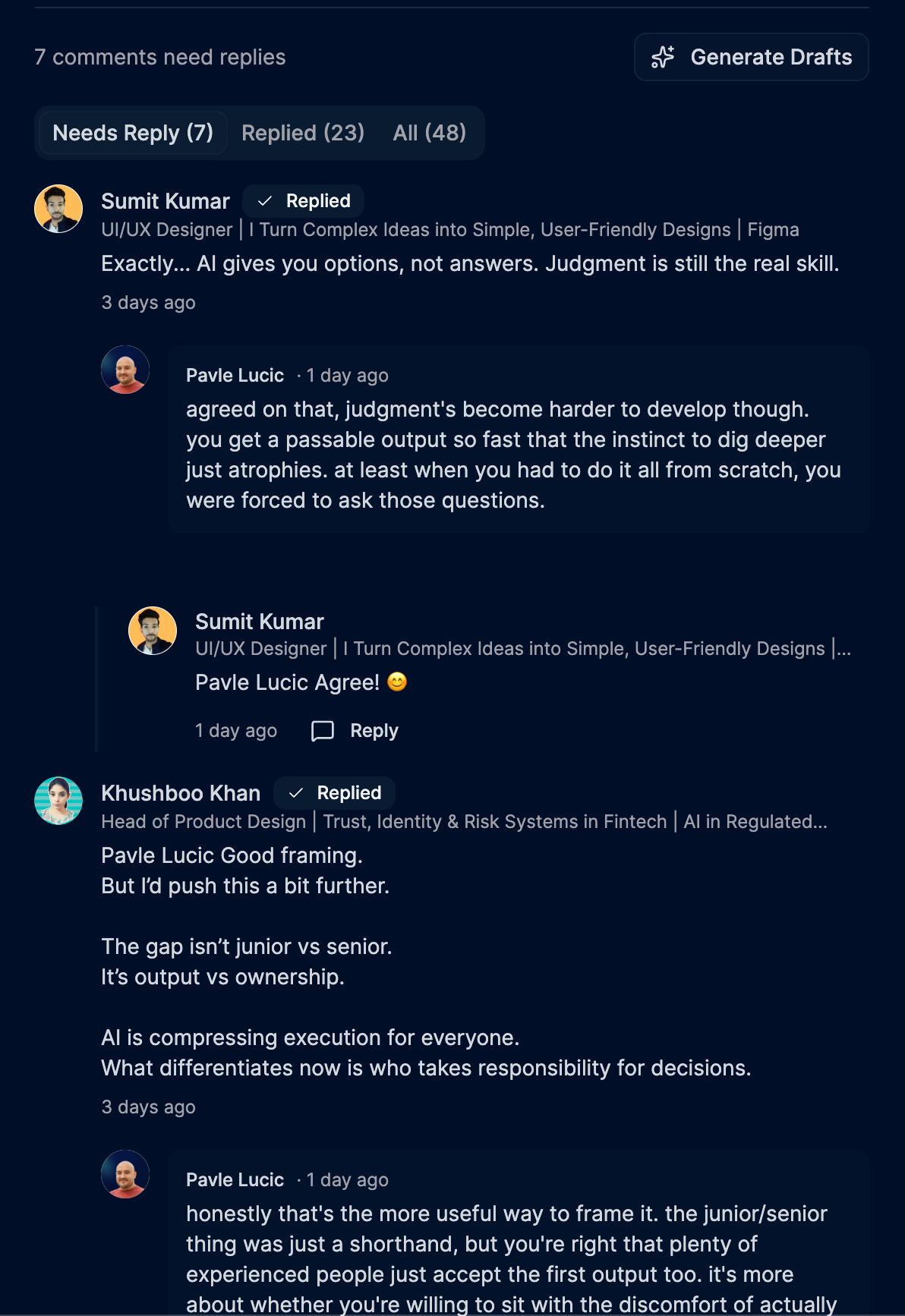
AI drafts in action
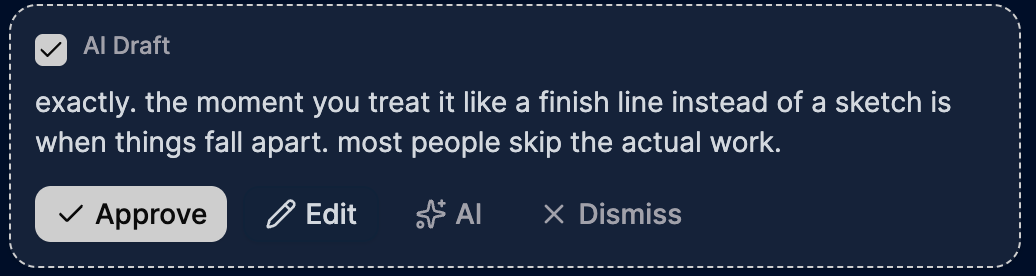
Ralfy generates a draft per pending comment, batched. Each draft sits next to the original comment for context. Approve, Edit, Regenerate, or Dismiss. Never auto posted.
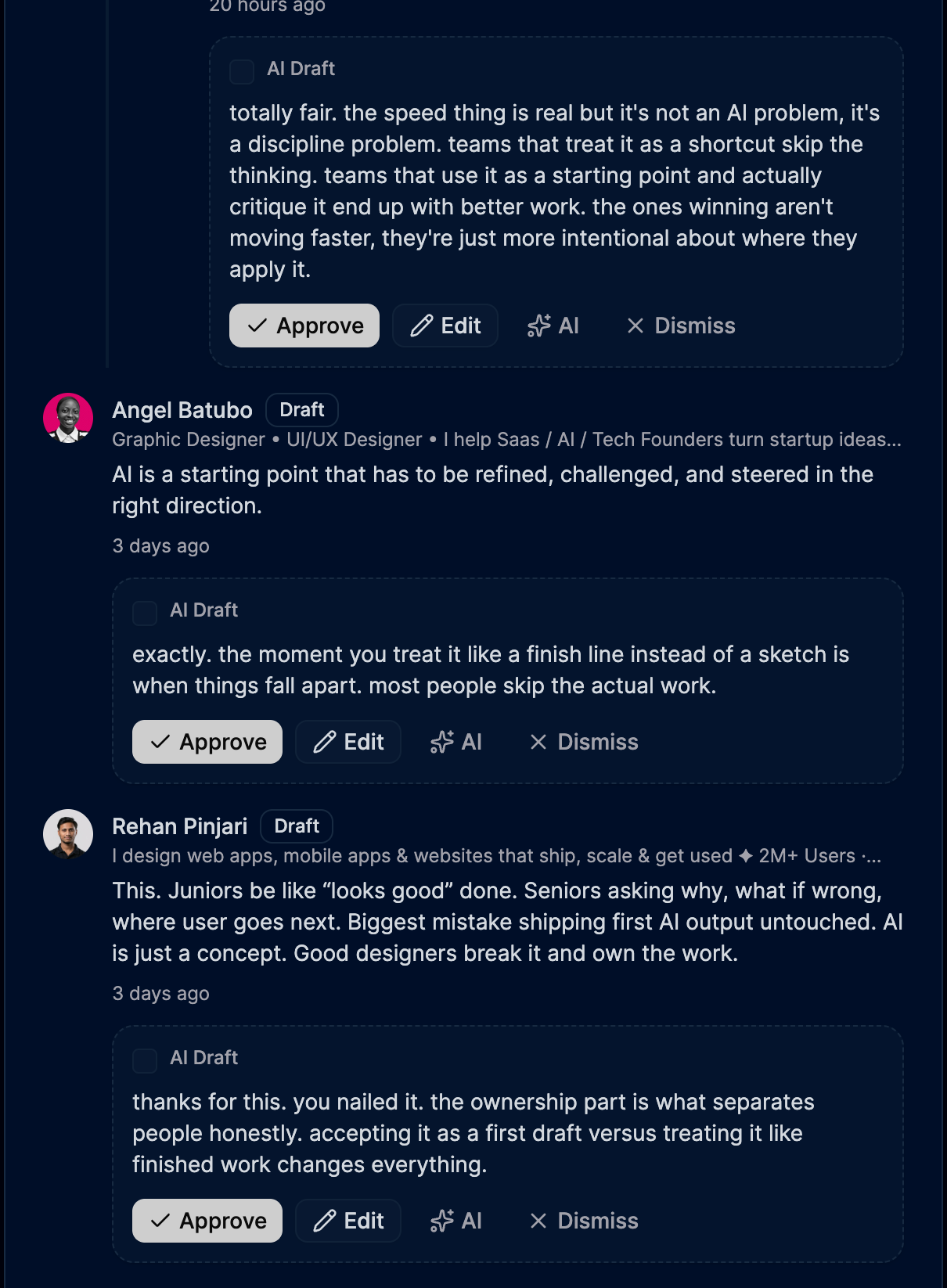
Reply UI moments
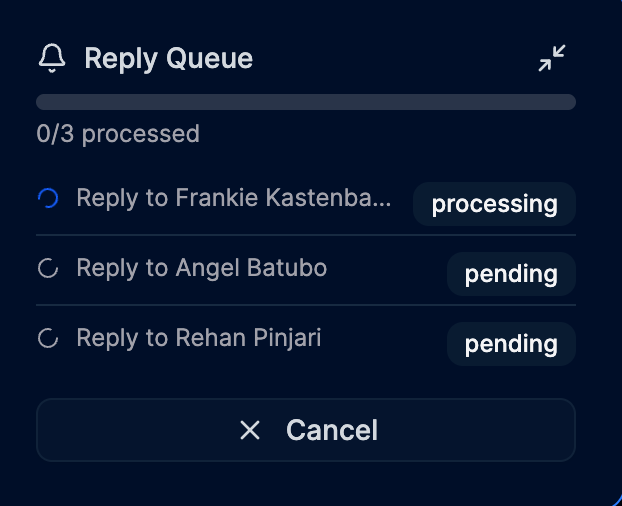
Bulk actions on multiple drafts at once (Approve, Regenerate, Reject). The single AI Draft card with its four action verbs. The Reply Queue mini panel that shows progress as approved replies ship one by one.

Chrome extension on LinkedIn profiles
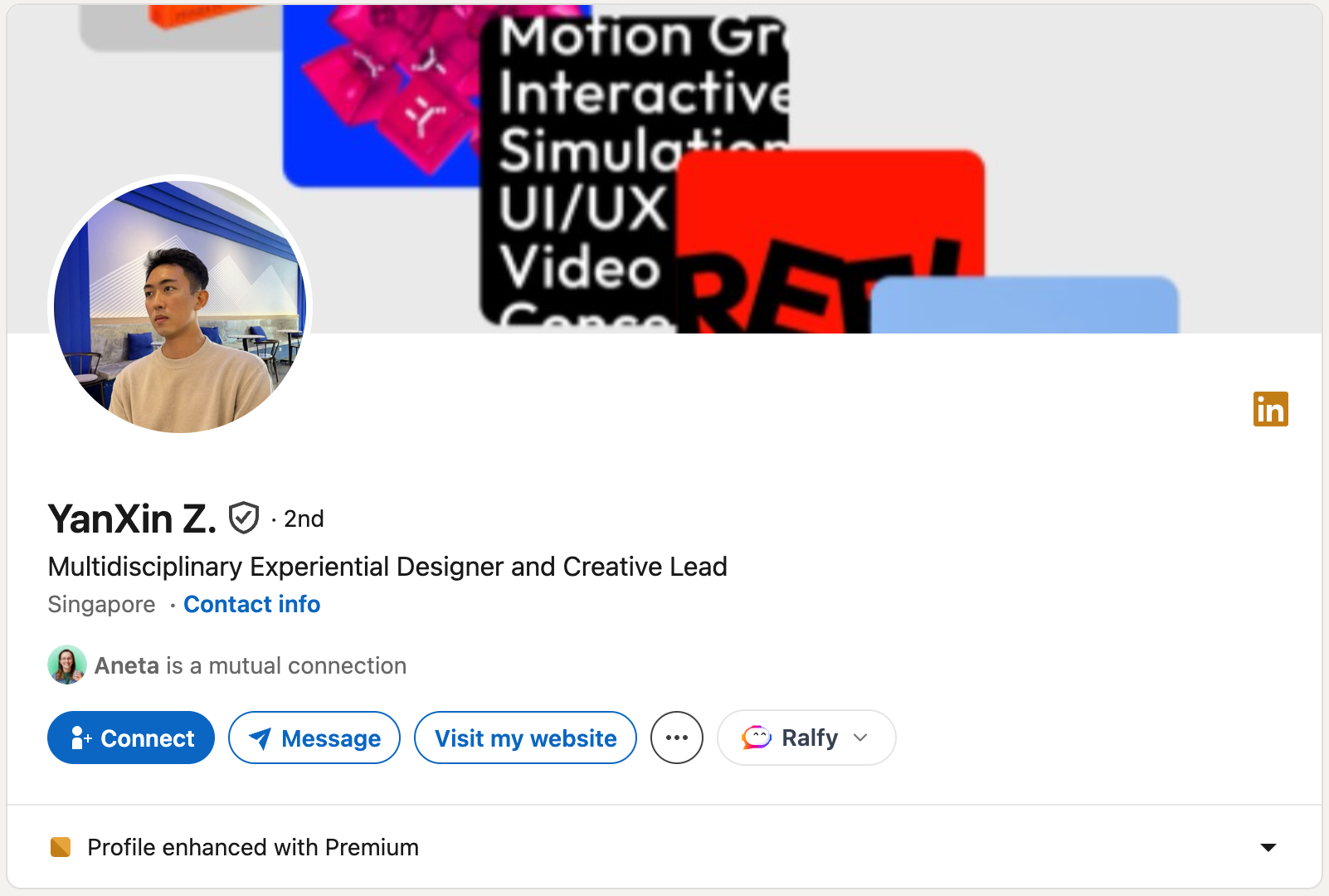
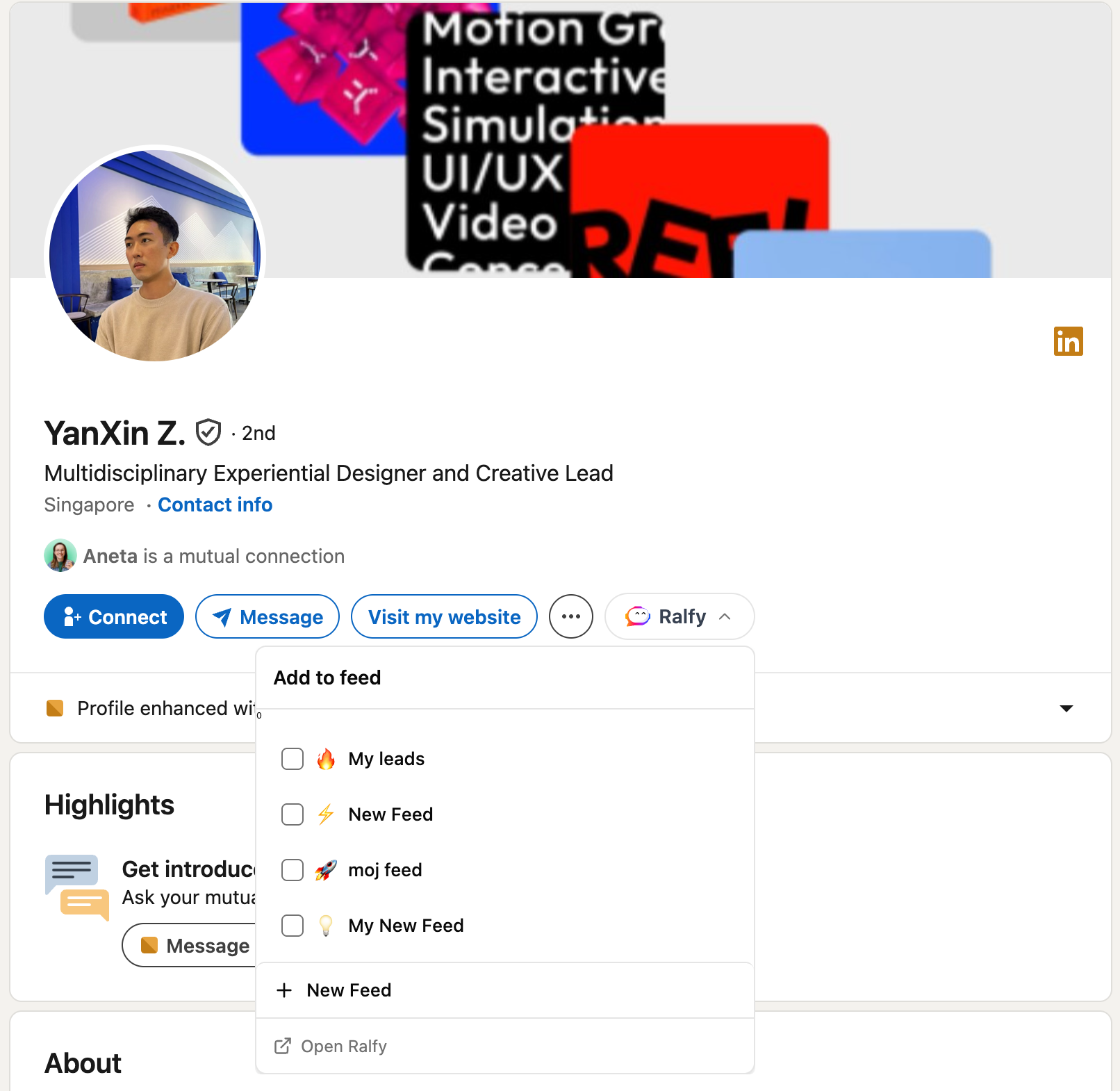
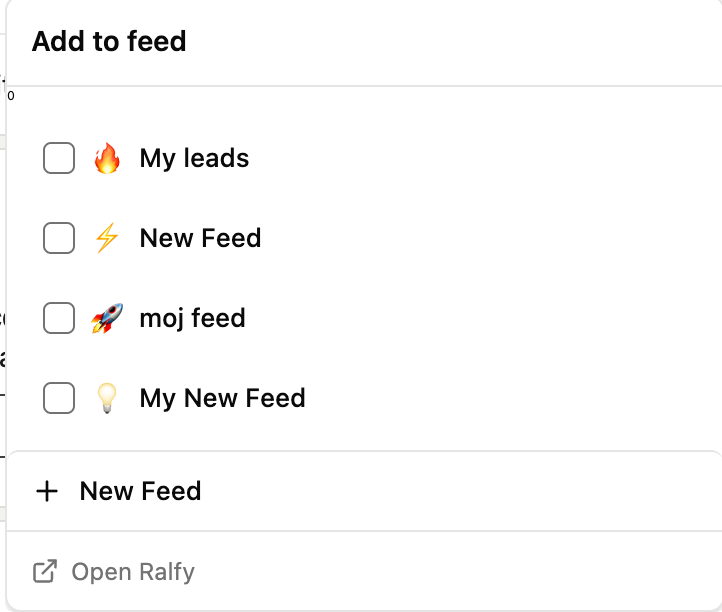
Add people to your custom feed without leaving LinkedIn. The extension drops a Ralfy pill next to LinkedIn's own actions. Click it to open a feed picker. Create new feeds inline.

Chrome extension on LinkedIn posts
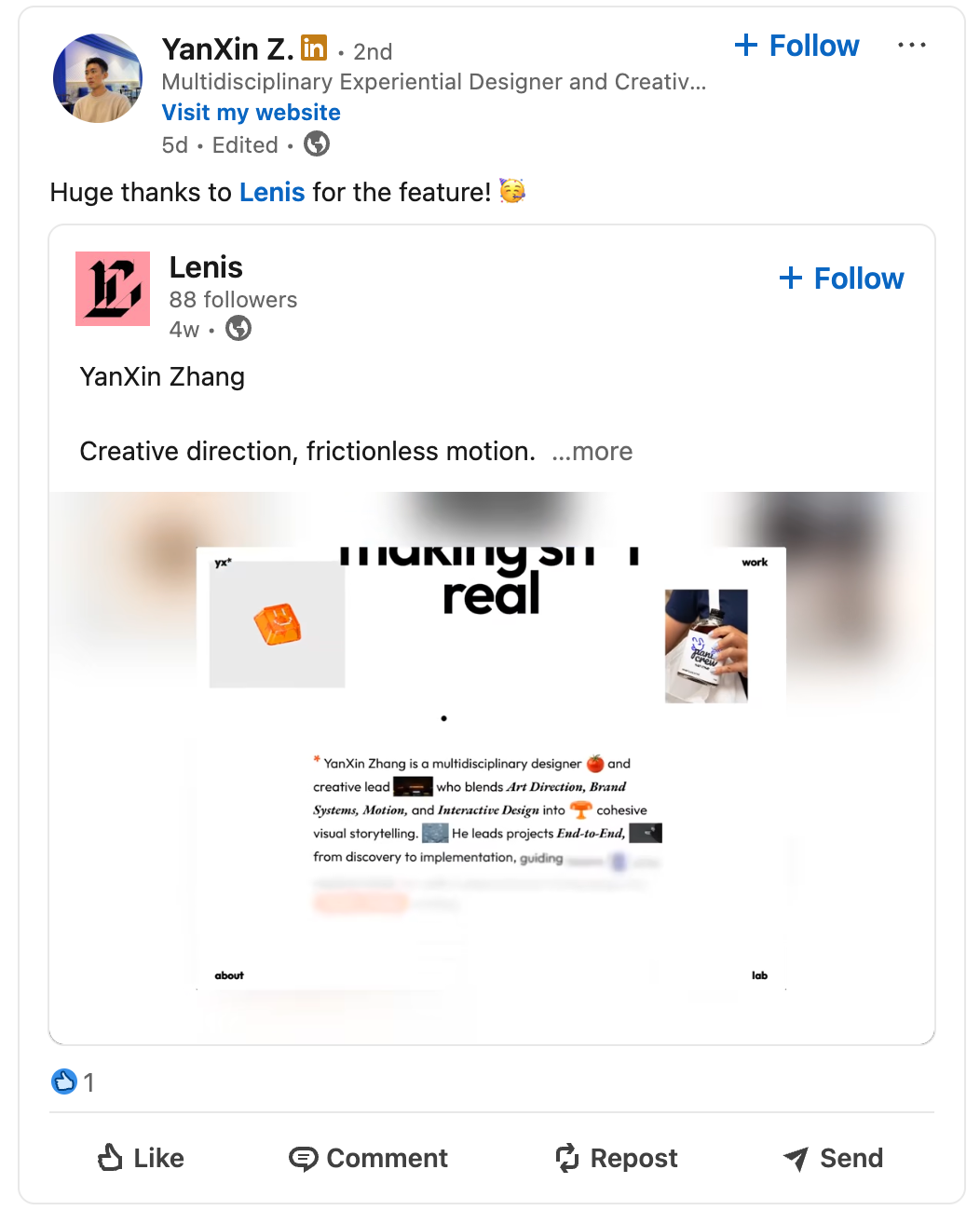
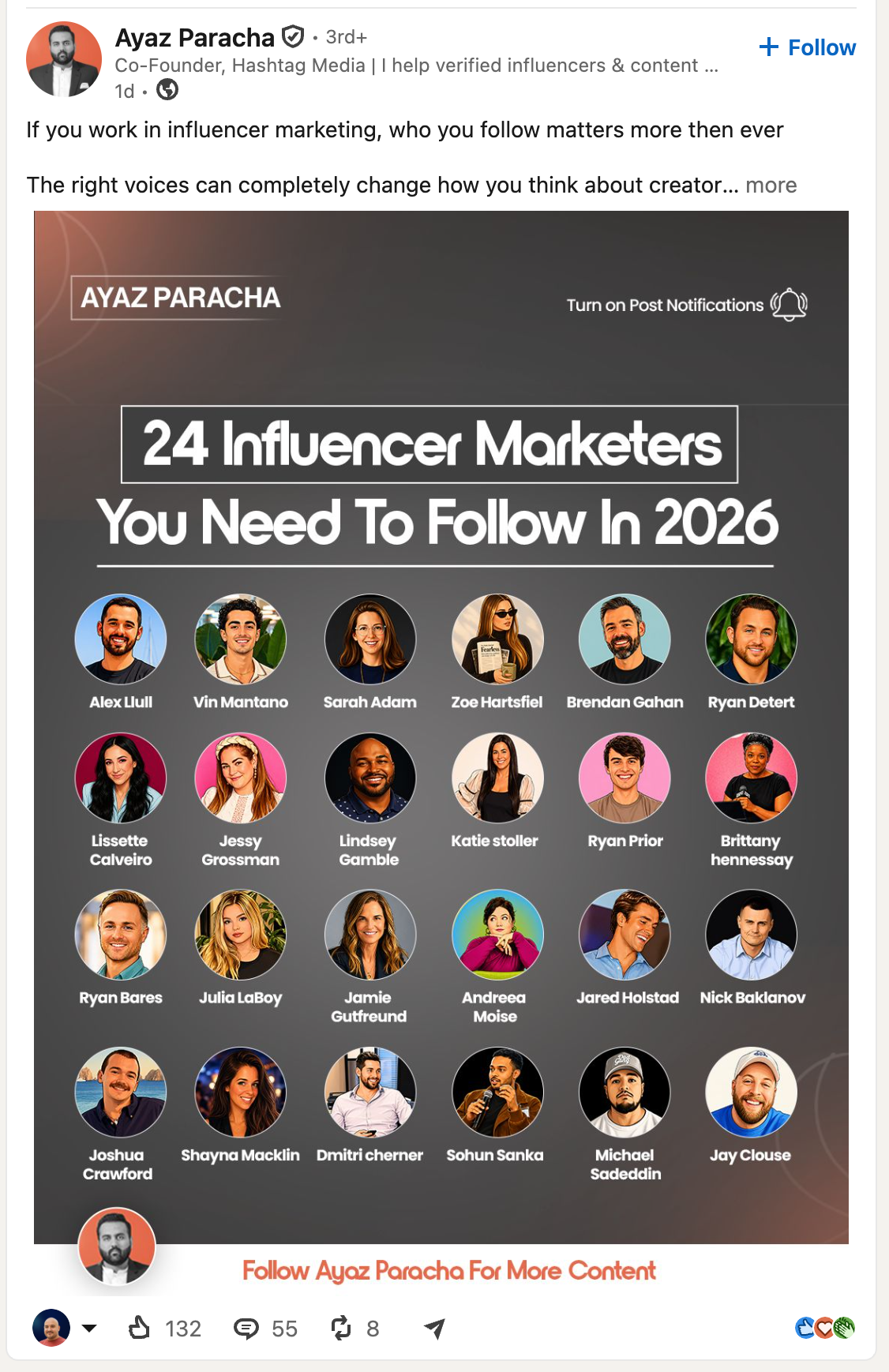
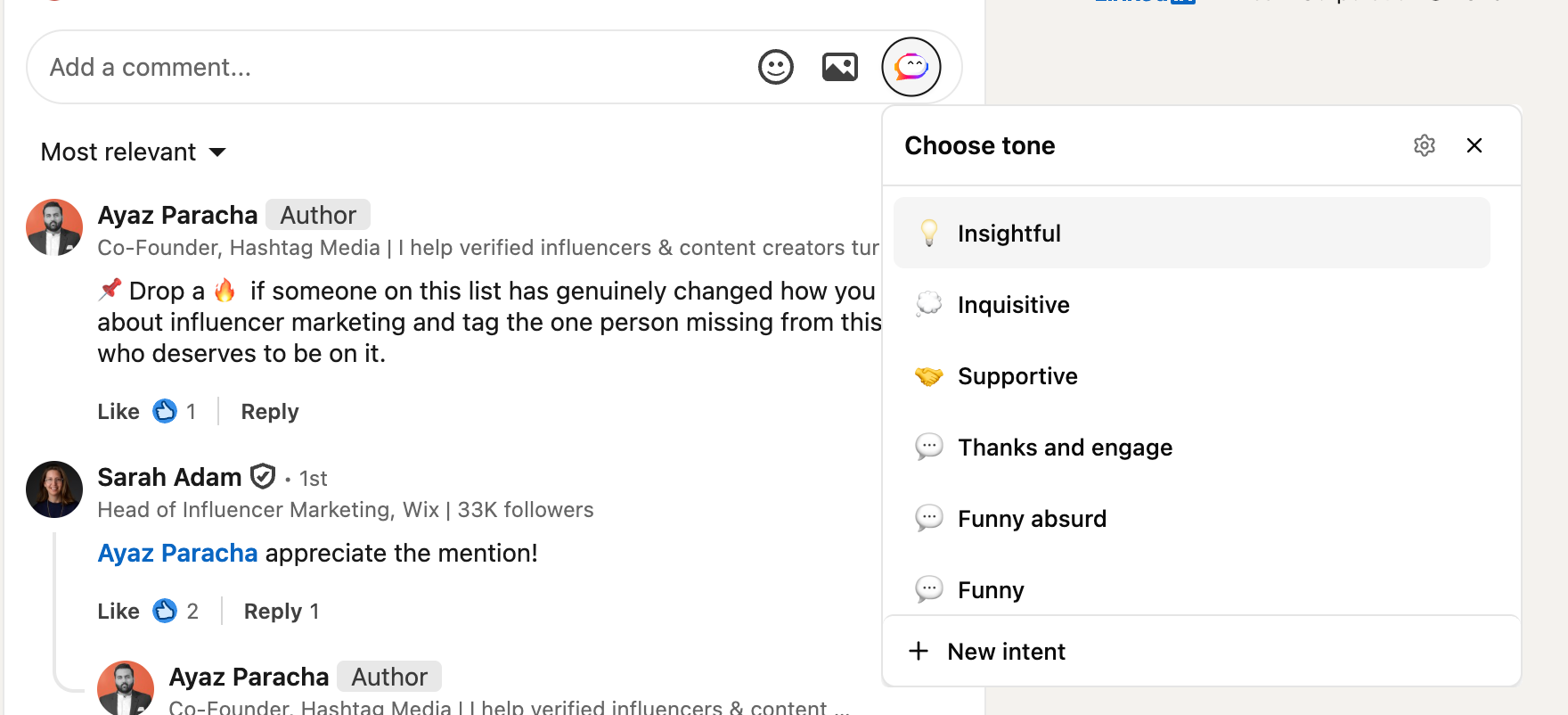
Draft a thoughtful comment without leaving the post. The extension drops a small Ralfy icon into LinkedIn's own comment box. Click it to open an intent picker. The generated text lands as a draft in LinkedIn's input field for you to edit before posting.

Result
Unlimited
Custom feeds0
Auto posts1 person
Built byLive at ralfy.app, in waitlist mode while Creem.io payments are wired up. Two surfaces (web app and Chrome extension), one workflow, shipped solo across design, web, extension, backend, AI, marketing site, and Playwright E2E. The category is loud about volume. Ralfy is the small, deliberate alternative for creators who care about engagement and visibility, not bulk output.
Reflection
What I'd do differently: lead with the three job workflow earlier. The loop of custom feed, AI commenting, and reply management is the real argument, and it lived in code for months before the marketing copy said so. Most LinkedIn tools pick one of those jobs and call it a day. The bet here is that creators care about all three.